
Create from scratch
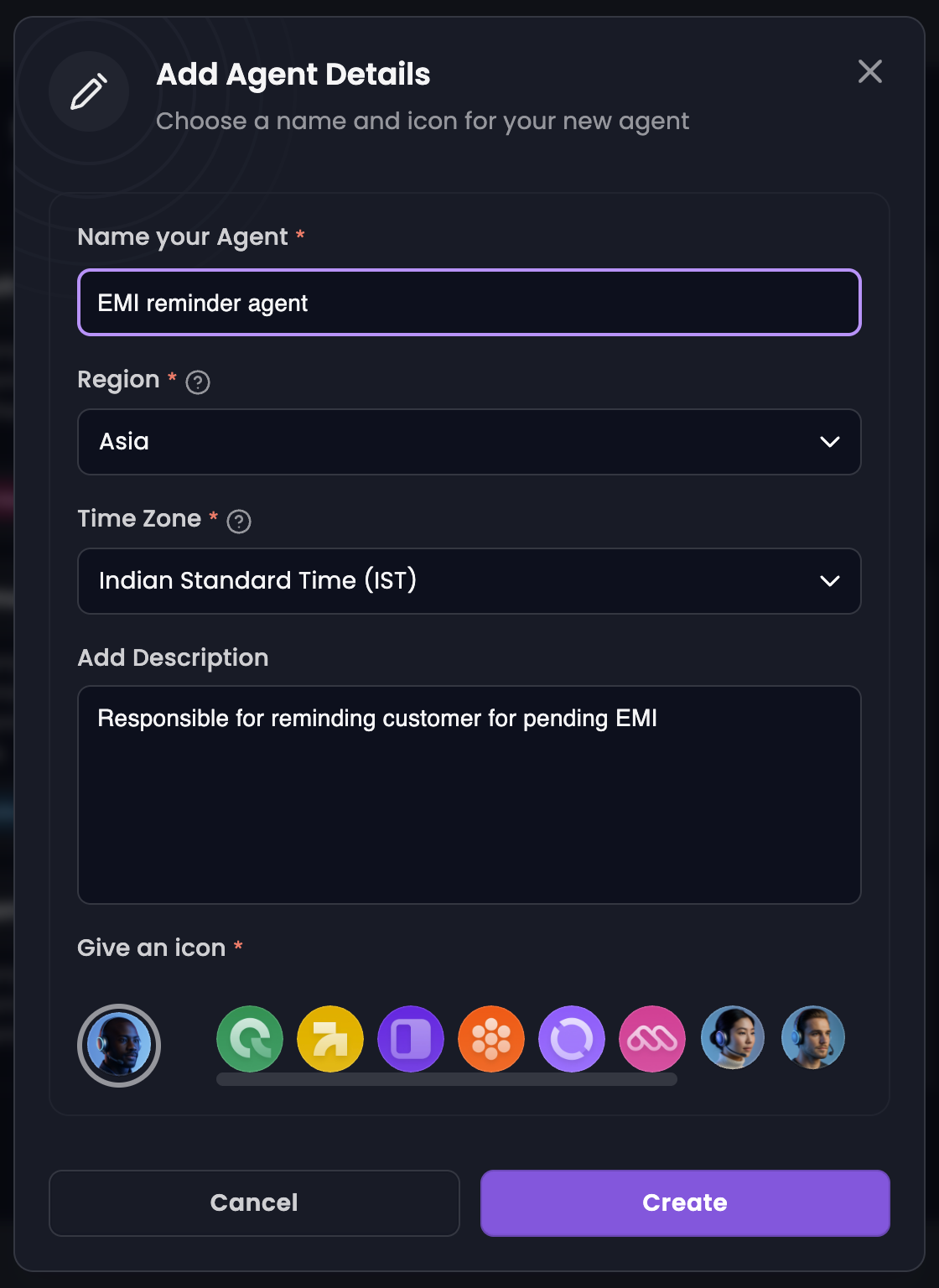
Choose this when you want full control over the prompt and settings.- Go to Manage Agents → Create Agent → Create from Scratch.
- Enter a name and short description.
- Click Create.
Create from a template
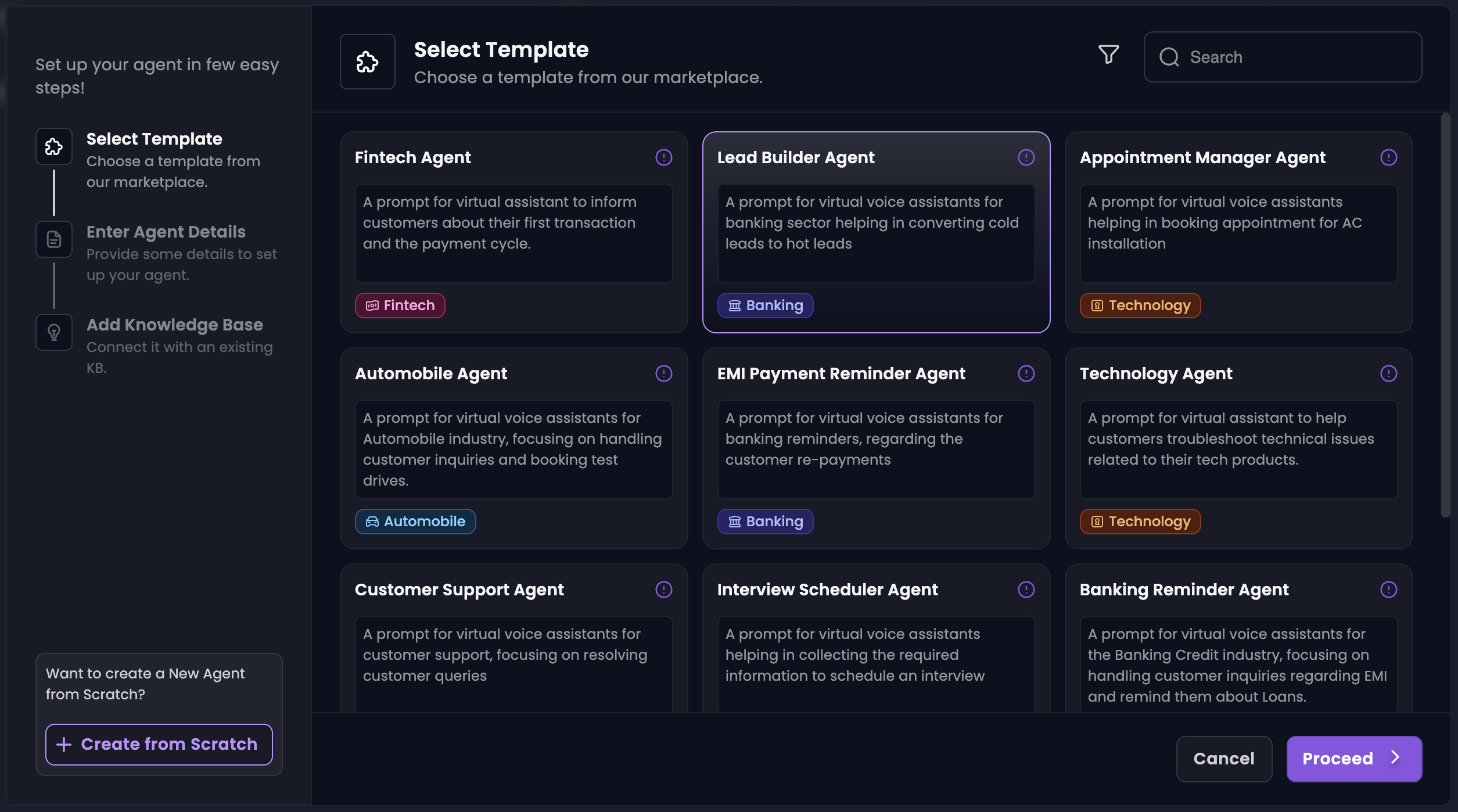
Choose this when you want a pre-written system prompt as a starting point.- Go to Manage Agents → Create Agent.
- Select a template and click Proceed.
- Name the agent, link a knowledge base, and click Create.
Write the system prompt
The system prompt sets role, goals, and tone. Strong prompts usually include:- A clear objective (what the agent should accomplish on each call)
- Context about the audience and business
- Expected tone and formality
- One or two example exchanges when helpful
Configure messages and models
On the agent setup screen:Customize agent details
Open the Customize tab to set language, region, time zone, and how the agent should describe itself to callers.
Next: Testing Your Agent